
How a dental or chiropractic office can use AI for no-show reminders and recall lists
AI can write the reminder messages and turn a patient spreadsheet into a working recall list, without putting patient information at risk.
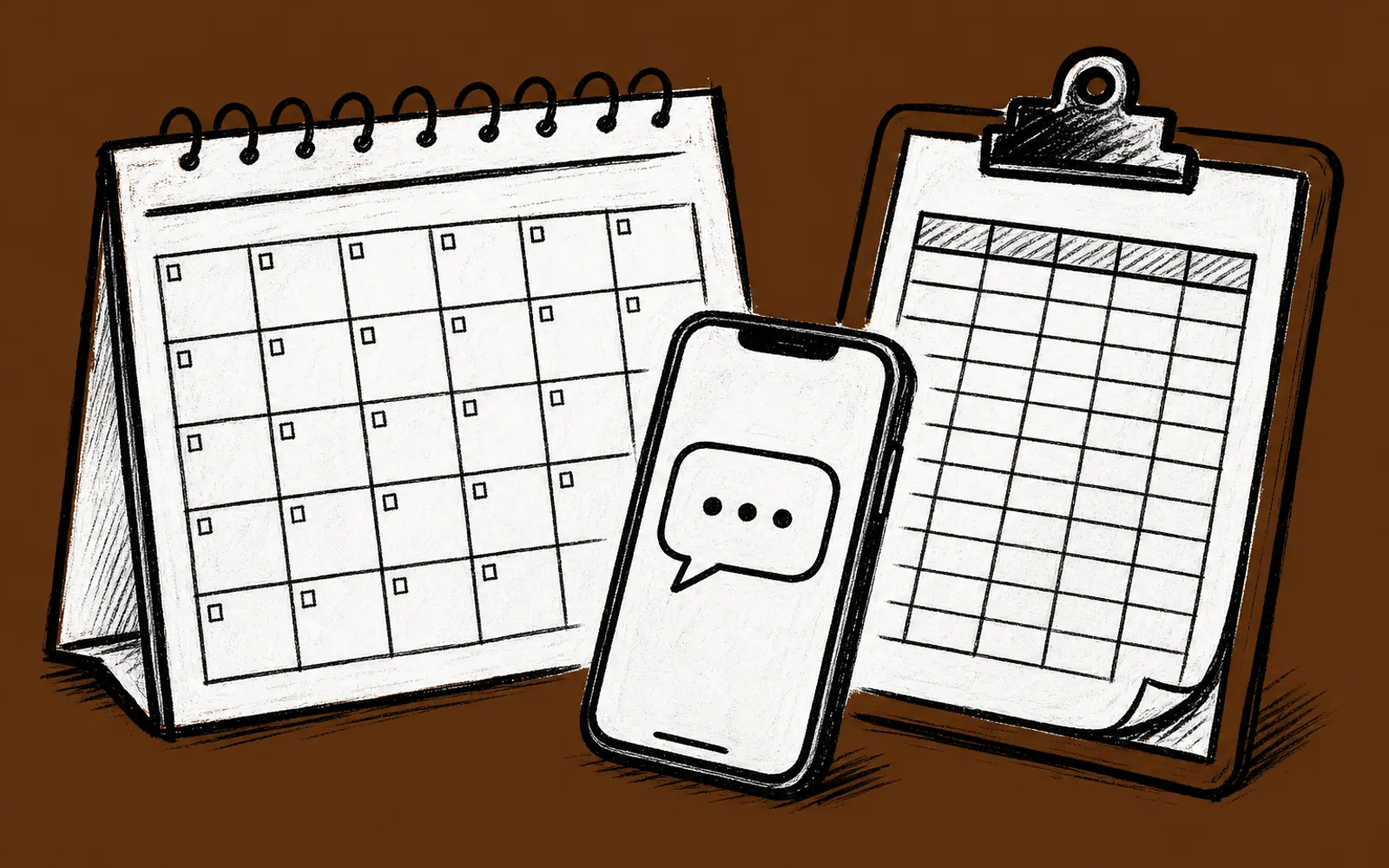
- Reminder message templates can be written and varied with an AI chat such as ChatGPT or Claude in one sitting
- A recall list comes from a spreadsheet the office already keeps, with AI sorting who is due for a call
- Patient names and details stay out of the AI chat. Placeholders go in, names go back in privately
- The whole setup is a small build. Help with it starts with a free 25-minute fit call on Zoom
Every office manager knows the Monday morning version of the same problem. The schedule has holes in it, three people confirmed for Thursday and did not show, and there is a shelf of charts that have not come back in six months. The front desk person has eleven minutes between patients, which is not enough time to write a polite reminder series and not enough time to work through a recall list one patient at a time. AI can write the reminders and find the patients to call, and it can do both in a way that keeps patient information private.
What AI does here
There are two separate jobs, and they run on different schedules. The first is the reminder series: the message sent a week out, the message sent two days out, and the message sent the morning of the appointment. The second is recall: the list of patients who are due for a cleaning or a follow-up visit and have not called back on their own. AI helps with both. It writes the message templates in the office's own voice, and it turns a plain spreadsheet into a sorted recall list that says who to call first and why.
The key word is templates. AI writes the wording once, the office approves it, and the approved message goes out through whatever already sends texts or emails to patients. Nothing about the sending changes. The same schedule tool, the same phone system, the same front desk process. The only thing AI replaced was the hour spent staring at a blank message field trying to sound friendly.
Who this is for, and who it is not for
This fits a practice with a front desk person or office manager who owns the schedule and has a patient list in some electronic form, even a messy one. Dental offices, chiropractic offices, and similar wellness practices all fit. It does not fit an office that has no patient records in a spreadsheet or practice system at all, and it is not a project to hand to someone with no feel for how patients like to be spoken to. The AI drafts the words. Someone on staff still has to read them and decide they sound like the practice.
Build the reminder templates
The reminder series works best when each message has a different job. The week-out message confirms the appointment and asks for a reply. The two-day-out message gives the date, time, and a way to reschedule. The morning-of message is short. Ask the AI chat to draft all three at once, in a warm, plain, professional tone, and with a placeholder where the patient's name goes. Then edit until it sounds like the office. That last part matters more than the drafting.
Build the recall list from the spreadsheet
Most practices already have the raw material: a spreadsheet, or an export from the practice software, with a last-visit date and maybe a last-contacted date. The recall job is to sort it. AI can do the sorting if the office gives it a copy of the sheet with the identifying information stripped out first. That copy keeps the useful columns, like months since last visit and visit type, and replaces names with placeholders such as Patient A or row 14. The AI sorts the rows by who is most overdue and drafts a suggested call order. The person working the list matches the placeholders back to real names in the office's own copy, which never left the practice.
- 01Export or copy the patient list
Pull last-visit dates and visit types into one spreadsheet, from the practice software or the file the office already keeps.
- 02Strip the identifiers
Make a working copy with names, phone numbers, and addresses removed, and placeholders like row 14 in their place.
- 03Draft the reminder series
Ask the AI chat for three messages, week-out, two-day-out, and morning-of, in a warm plain tone with a name placeholder.
- 04Edit and approve
Read all three aloud, cut anything that does not sound like the practice, and have the owner or office manager sign off.
- 05Load the approved messages
Paste the approved wording into whatever already sends appointment texts or emails. Test it once on an internal number.
- 06Ask the AI to sort the recall sheet
Have the AI sort the identifier-free copy by months since last visit and draft a short suggested opening line for each call.
- 07Match placeholders back privately
Work down the AI's call order against the office's own copy of the sheet, which holds the real names, and log each contact.
Staying inside patient privacy rules
The privacy question here has a simple shape: what goes into an AI chat is what goes outside the practice. Patient names, phone numbers, birth dates, and treatment details do not belong in a chat with a general AI service, because the office cannot control what happens to the text once it is pasted in. The method above is built around that fact. The AI sees structure only, such as how long since a visit and what kind of visit it was. The identifying details stay in the office's own copy the whole time. A practice with specific questions about its own obligations should take those to its own advisor, and no article can answer them for a specific office.
One habit makes this hold up over time. Whenever someone on the team is about to paste something into an AI chat, they ask one question first: would the office be comfortable if this text were on a page anyone could read? If the answer is no, the paste does not happen. Written down and posted at the front desk, that one rule covers most of the daily risk.
Where to get help with the setup
A practice that wants a hand with this can get it. Ohio AI Lab offers AI Concierge, where one person from the team learns the business and stays with the owner, with two 1-hour working calls a month on real tasks, voice messages and email between calls with no limit on questions, and help with small setups exactly like this reminder and recall build. Everything starts with a free 25-minute fit call on Zoom, which looks at two tasks that repeat in the owner's week and picks a first result worth having, and replies come within one business day.